
Bring UCeasy Cloud
into Microsoft Teams
with TeamMate
Keep your UCeasy phone system. Give your customers the flexibility to make and receive business calls directly from Microsoft Teams.

Your Phone System. Your Numbers. Now Inside Microsoft Teams.
Many businesses already rely on Microsoft Teams for meetings, messaging and collaboration – but that doesn’t mean they need to replace their business phone system.
With UCeasy and TeamMate, your customers can connect their existing UCeasy service to Microsoft Teams. Their business numbers, extensions and calling infrastructure stay connected to their UCeasy service while Teams becomes another convenient place to make and receive calls.
No need to abandon the phone system they already rely on.
Turn Microsoft Teams Into a Business Phone
With TeamMate’s PBX Connector, Microsoft Teams users can access their
UCeasy extension directly from Teams. Depending on the configured service,
users can benefit from capabilities such as:
- Make & Receive Calls — Use your business extension directly from Microsoft Teams.
- Business Caller ID — Present the appropriate business number when making outbound calls.
- Call Transfer — Transfer calls to other users and extensions.
- Call Parking — Use existing PBX call parking functionality.
- Presence Synchronization — Calling activity can be reflected in the user’s Teams presence.
- Voicemail Notifications — Receive notifications for new voicemail.
- Custom Soft Keys — Extend the Teams experience with customized calling controls.
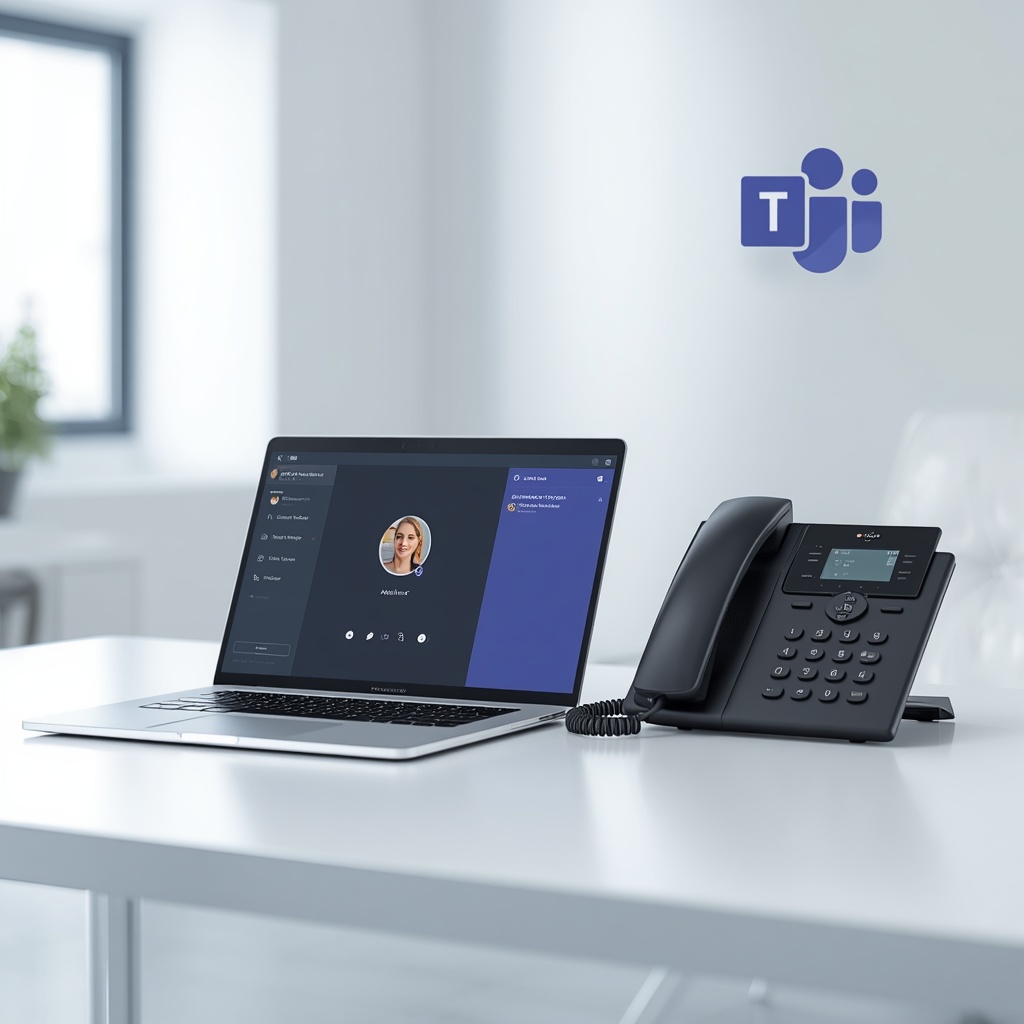

Bring Microsoft Teams Together with UCeasy
Make calling easier for your team. Connect Microsoft Teams with UCeasy’s cloud phone system and bring business communications together in one familiar platform.
With UCeasy’s Teams integration, your people can make and receive business calls directly in Microsoft Teams, while your business benefits from the reliability, flexibility, and support of UCeasy’s cloud phone solutions. It’s a simpler way to help your team stay connected and keep conversations moving.